
Fetch files
List a directory as JSON or download file bytes with GET /v1/repos/{user}/{repo}/contents. No Git clone.
Fetch files
Amendable is hosted Git storage with an HTTP API. You create private repositories on demand, clone and push with ordinary Git over HTTPS, and delete them when you are done. It is not a GitHub replacement: there is no pull-request product, hosted Actions, or social graph. You get repos, access tokens, a simple browse UI, and webhooks that hit an endpoint you run.
Use it from a laptop, from an agent that needs a scratch repo per job, or as the Git backend of a product you ship (Build a Git product). This guide creates a private repository, pushes a first commit, and opens it in the browse UI. Read How it works first if you want the model before clicking through.
Open https://amendable.io/sign-up. Email, username, password, accept the terms, then Create account. Username is 6–32 characters (a-z, 0-9, _). Email and password are 6–40 characters.
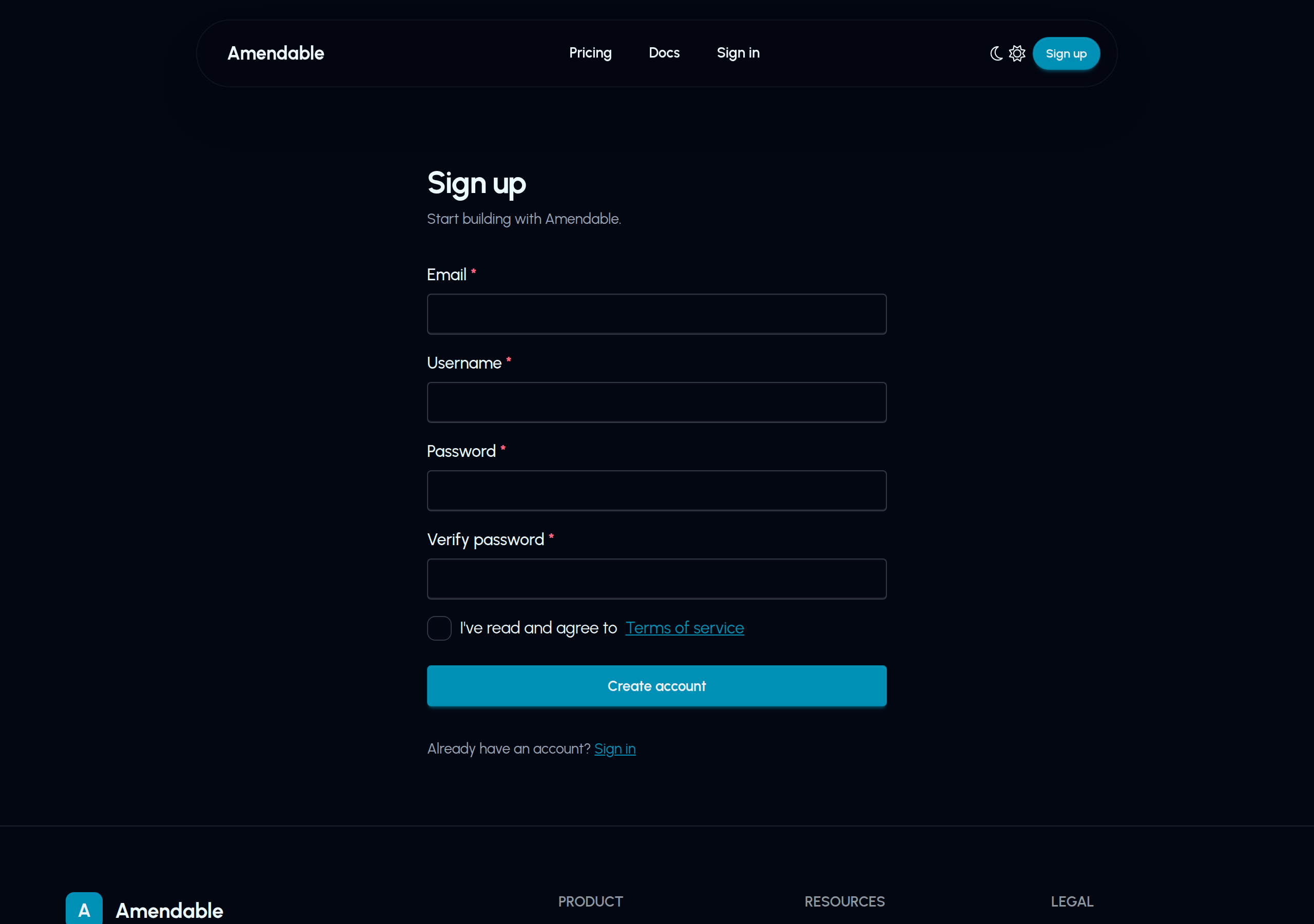
Already have an account? Sign in at https://amendable.io/sign-in.
The free plan includes:
You can stay on free while you try clone and push. Bring-your-own S3 needs Pro. See pricing and Usage and quotas.
You need a token for both the API and Git HTTPS.
API_REPOS_WRITE. See Grants.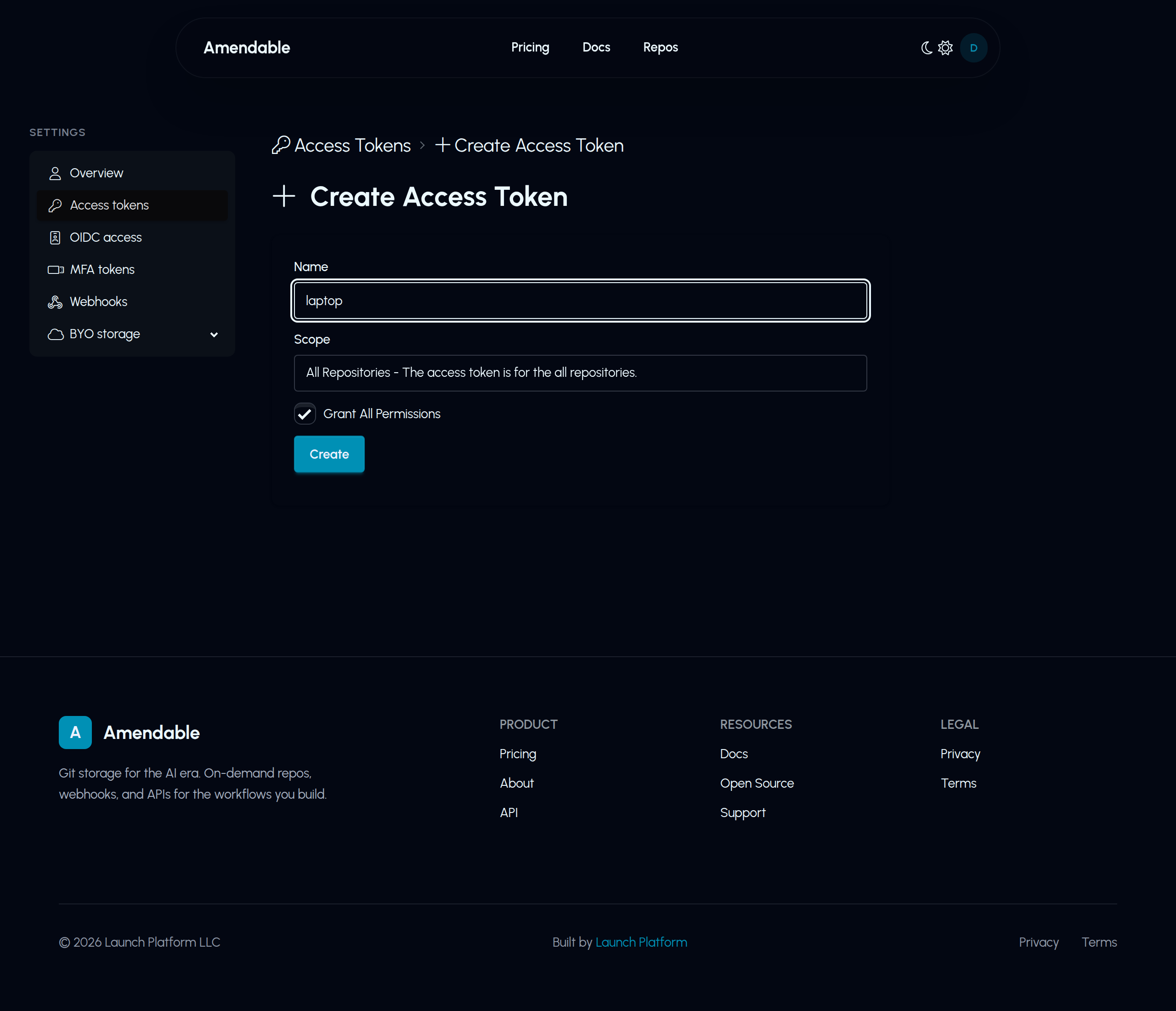
Install amendable (Install the CLI), then:
amendable loginThe CLI prints a short code and a URL. Open the URL, confirm the code matches, and grant a token. The secret is stored in ~/.config/amendable/config.toml (mode 0600).
Then:
amendable whoamiCreate the first token in the web UI. After that, a token with the ALL grant can mint narrower tokens:
export AMENDABLE_TOKEN='paste-the-token'
curl -sS -X POST https://api.amendable.io/v1/access-tokens \  -H "Authorization: Bearer $AMENDABLE_TOKEN" \  -H "Content-Type: application/json" \  -d '{    "name": "laptop",    "scope": "ALL_REPO",    "grants": ["GIT_HTTP_READ", "GIT_HTTP_WRITE", "API_REPOS_WRITE"]  }'
The JSON includes "token" only on create. Save it.
Names should be lowercase letters, numbers, hyphens, or underscores. The web form caps names at 32 characters. The API allows up to 64.
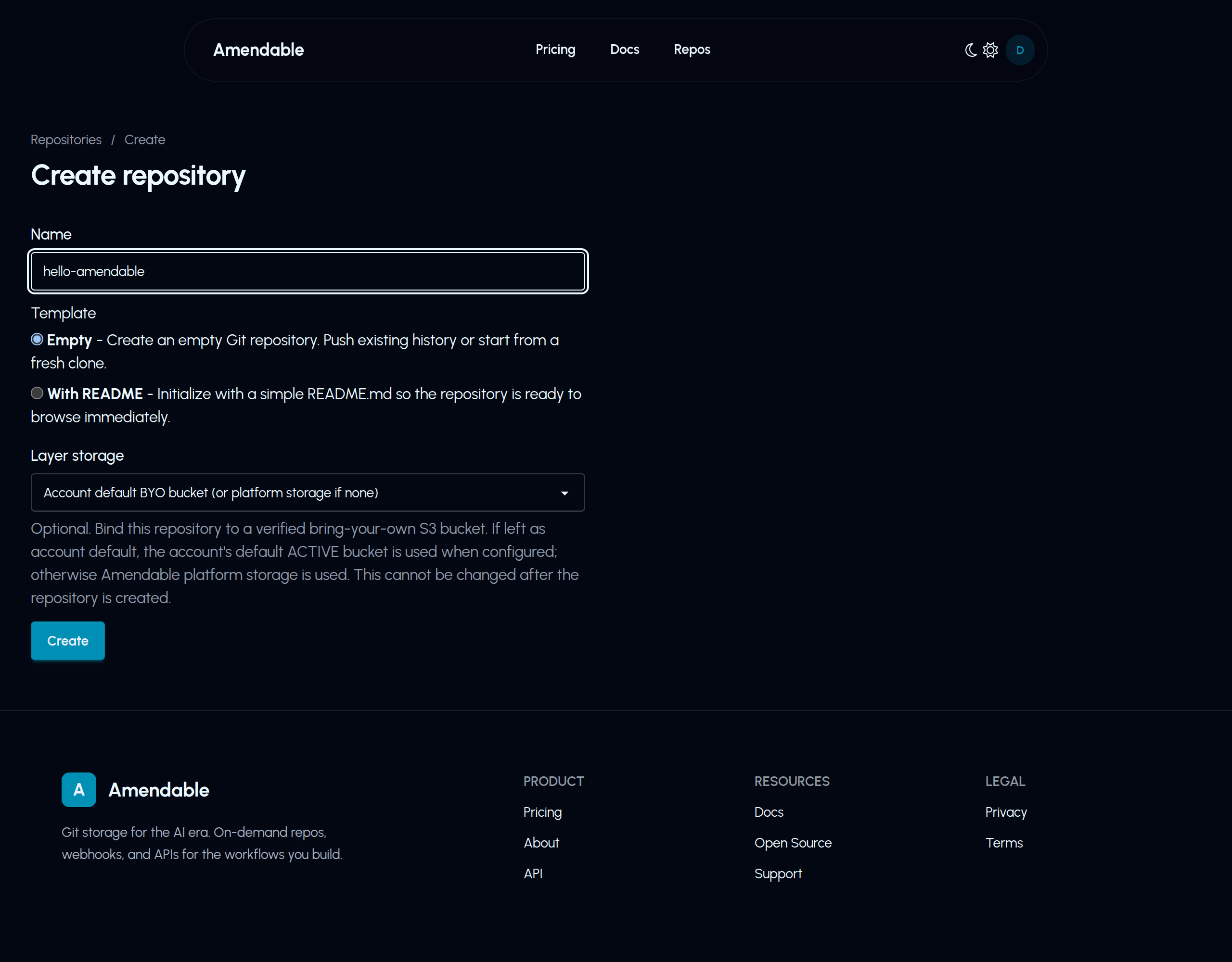
Open Repositories after sign-in, click create, pick a name, and choose Empty unless you want a README so the browse UI is not empty. Leave layer storage on the account default unless you already set up bring-your-own S3.
amendable repo create hello-amendableamendable repo url hello-amendablecurl -sS -X POST https://api.amendable.io/v1/repositories \ -H "Authorization: Bearer $AMENDABLE_TOKEN" \ -H "Content-Type: application/json" \ -d '{"name": "hello-amendable"}'The response includes username and name. The clone URL is:
https://amendable.io/r/<username>/hello-amendable.git# pip install httpximport osimport httpx
token = os.environ["AMENDABLE_TOKEN"]repo = httpx.post( "https://api.amendable.io/v1/repositories", headers={"Authorization": f"Bearer {token}"}, json={"name": "hello-amendable"},)repo.raise_for_status()print(repo.json())Replace USER with your Amendable username. You need Git.
git clone "https://USER:${AMENDABLE_TOKEN}@amendable.io/r/USER/hello-amendable.git"cd hello-amendableecho '# hello' > README.mdgit add README.mdgit -c user.email="you@example.com" -c user.name="You" commit -m "Initial commit"git push -u origin maingit remote set-url origin "https://amendable.io/r/USER/hello-amendable.git"Putting the token in the remote URL leaks it into .git/config and shell history. Prefer the credential helper after the first clone.
amendable repo clone hello-amendablecd hello-amendableecho '# hello' > README.mdgit add README.mdgit commit -m "Initial commit"git push -u origin mainThe clone command uses your stored token, then rewrites origin to the clean HTTPS URL and sets credential.helper to amendable git-credential.
Needs the CLI installed and a token in ~/.config/amendable/config.toml (run amendable login first). amendable must be on PATH so Git can spawn the helper.
git config --global credential.https://amendable.io.helper '!amendable git-credential'git clone https://amendable.io/r/USER/hello-amendable.gitcd hello-amendableecho '# hello' > README.mdgit add README.mdgit commit -m "Initial commit"git push -u origin mainamendable git-credential reads username and token from ~/.config/amendable/config.toml.
After the push, open:
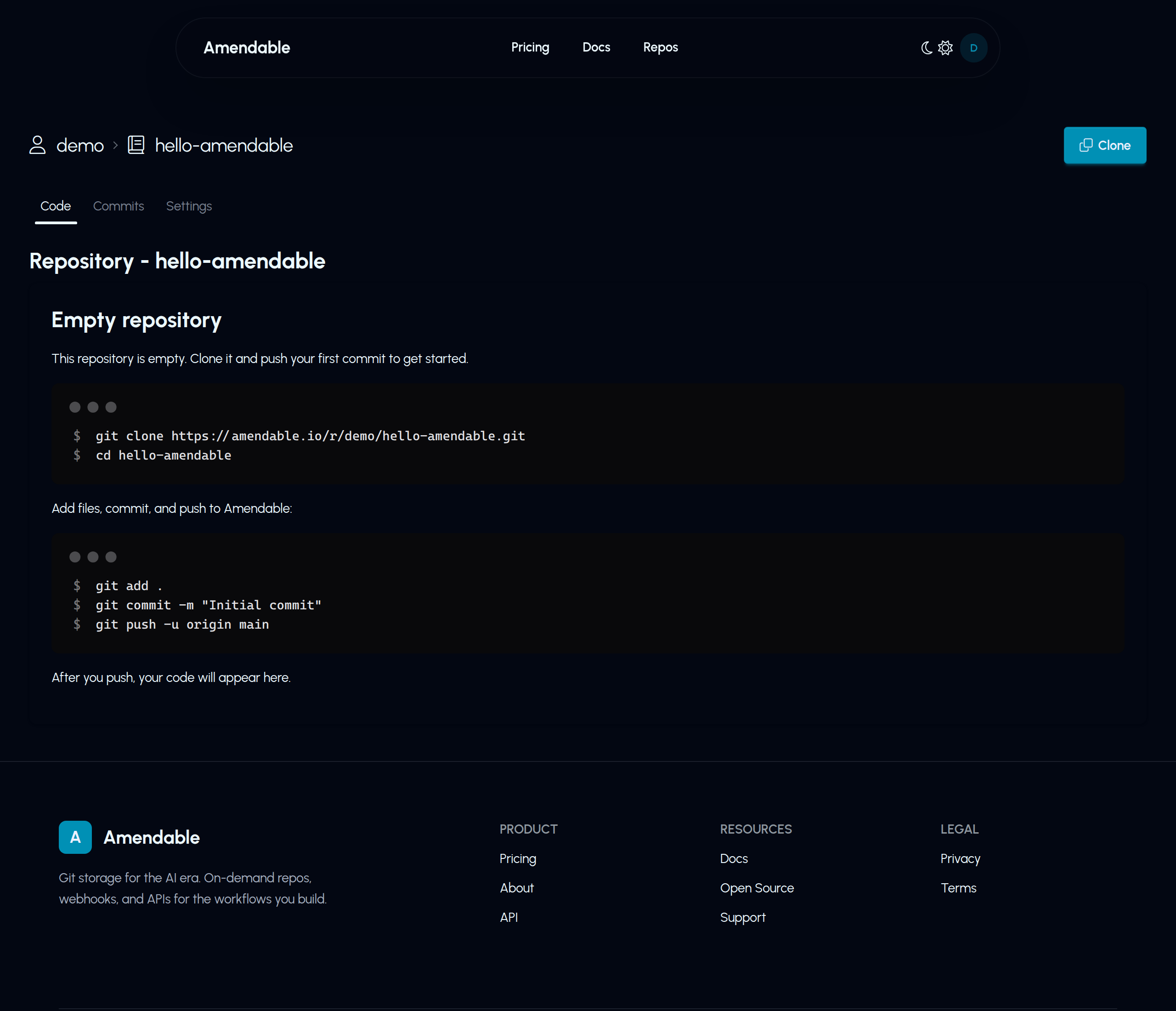
https://amendable.io/r/USER/hello-amendableYou should see README.md and the commit. Before the first push, the page looks like this:
amendable whoami --jsoncurl -sS https://api.amendable.io/v1/account/usage \ -H "Authorization: Bearer $AMENDABLE_TOKEN"repos.used should be at least 1. Transfer bytes go up when you clone and push.
amendable repo delete hello-amendable --yesOr:
curl -sS -X DELETE \ "https://api.amendable.io/v1/repos/USER/hello-amendable" \ -H "Authorization: Bearer $AMENDABLE_TOKEN"Delete is a 204. The name can be reused after that.
The steps above cover clone and push. The pages below cover the rest of the product.
Fetch files
List a directory as JSON or download file bytes with GET /v1/repos/{user}/{repo}/contents. No Git clone.
Fetch files
Bring your own S3
Pro can store Git layer objects in an Amazon S3 bucket you own, using OIDC from oidc.amendable.io. R2, MinIO, and other object stores are coming soon.
Bring your own S3
OIDC for machines
CI should not sit on a long-lived token. Trust GitHub Actions or GitLab, then exchange their ID token for a 15-minute Amendable token. OIDC for machines
GitHub Actions
Example workflow that exchanges GitHub OIDC and pushes over HTTPS Git. GitHub Actions
Webhooks
Account-level push, create, and delete events. Verify X-Amendable-Signature (HMAC-SHA256 of the raw body) and run your own CI.
Webhooks
Access tokens
Scopes, grants, and how Git and the API share the same secret. Narrow tokens for CI. Grant All for a laptop. Access tokens
How it works
Repositories, layer storage, auditable history after a force-push, the two protocols, and the two different OIDC stories (machines to Amendable vs Amendable to your S3). How it works
CLI
amendable login, repo create, repo clone, and the Git credential helper.
Install the CLI
HTTP API
Create repos, tokens, webhooks, and storage buckets with Authorization: Bearer.
API overview
Build a Git product
Use Amendable as the Git backend. You ship the UI, review, and workflow. Create a repo when a session starts. Delete it when it ends. Build a Git product
Also useful: Usage and quotas.