
Authentication
Every automated call uses an access token. Humans sign in to the website with email and password. After you enroll MFA, sign-in also asks for a TOTP code or a FIDO2 key (WebAuthn). Git and the API do not use the account password, and they do not prompt for MFA.
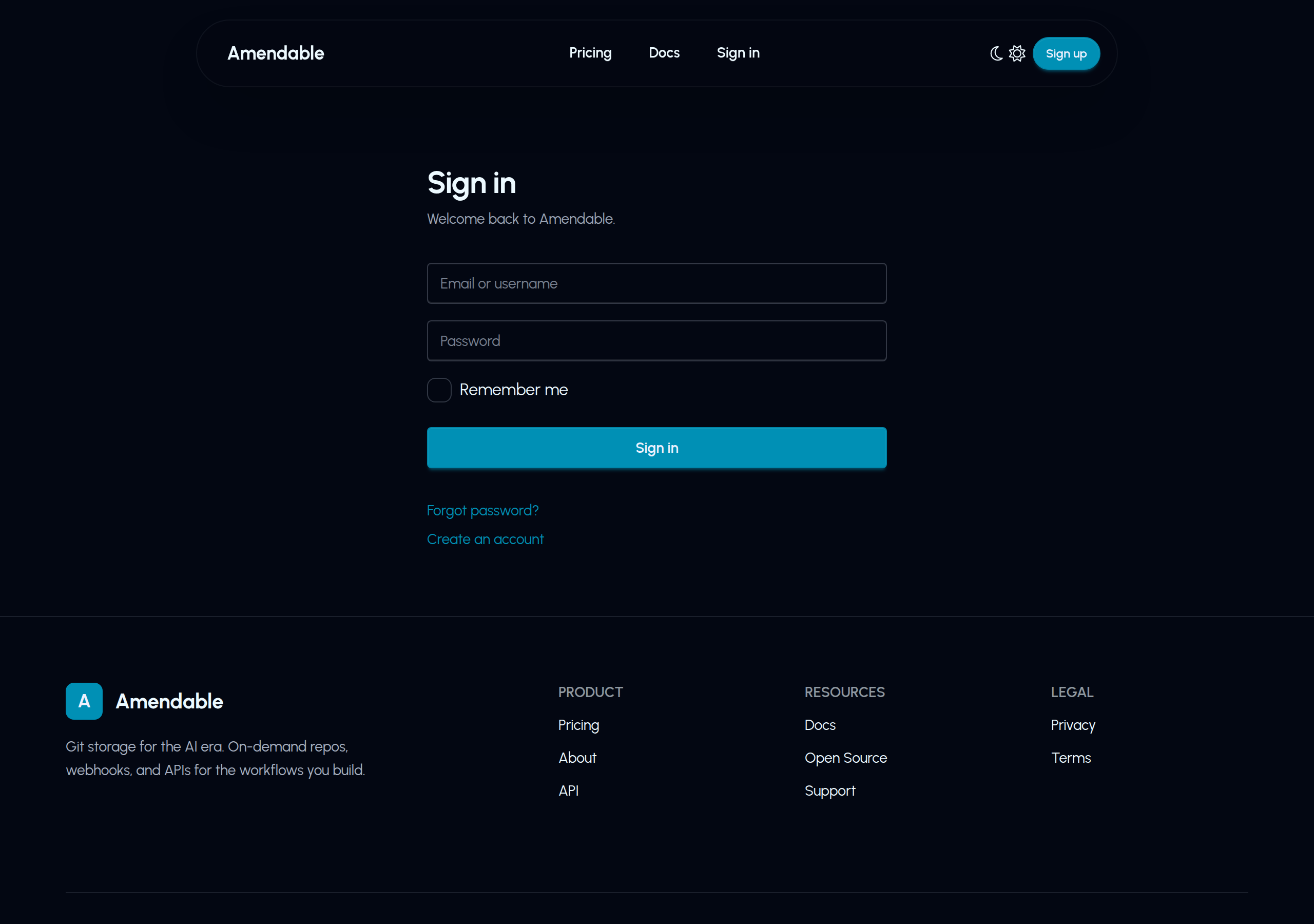
Sign up at https://amendable.io/sign-up. Sign in at https://amendable.io/sign-in.
Multi-factor authentication
Section titled “Multi-factor authentication”MFA (two-factor) is optional and website-only. It protects the account session: settings, token create, and device-login grant in the browser. It does not wrap Git HTTPS or the Authorization header.
Open https://amendable.io/mfa-tokens/. You can enroll up to 5 tokens.
| Type | What it is | How you enroll |
|---|---|---|
| TOTP | Authenticator app (time-based 6-digit code) | Enroll TOTP, scan the QR code, enter a code, Activate. The QR is shown once. |
| FIDO2 | Hardware key or platform passkey | Enroll FIDO2, then complete the browser WebAuthn prompt on Activate. Only one pending FIDO2 token at a time. |
After at least one token is Active, the next website sign-in is password then /sign-in/verify-mfa. Use any enrolled TOTP or FIDO2 token. That step is rate limited. The pending MFA session lasts 5 minutes; if it expires, sign in again.
There are no recovery codes today. Keep more than one active token if you can (one TOTP app plus a security key). You can rename or delete tokens on the same page.
amendable login still opens the website to grant a token. If MFA is on, you complete it in that browser session. The CLI then stores the access token as usual. See CLI login.
Call https://api.amendable.io with Authorization: Bearer. Create that token under Access tokens.
GET /v1/account/usage HTTP/1.1Host: api.amendable.ioAuthorization: Bearer YOUR_TOKENA missing or malformed Authorization header returns 401. Git HTTPS uses HTTP Basic with the same token as the password.
curl -sS https://api.amendable.io/v1/account/usage \ -H "Authorization: Bearer $AMENDABLE_TOKEN"# pip install httpximport osimport httpx
r = httpx.get( "https://api.amendable.io/v1/account/usage", headers={"Authorization": f"Bearer {os.environ['AMENDABLE_TOKEN']}"},)r.raise_for_status()print(r.json())const res = await fetch("https://api.amendable.io/v1/account/usage", { headers: { Authorization: `Bearer ${process.env.AMENDABLE_TOKEN}` },});if (!res.ok) throw new Error(`${res.status} ${await res.text()}`);console.log(await res.json());amendable whoami --jsonGit HTTPS
Section titled “Git HTTPS”https://amendable.io/r/<username>/<repo>.gitHTTP Basic (details: Git over HTTPS):
- Username: your Amendable username (the token lookup uses the password, so a dummy username can work, but using the real username keeps credential helpers sane)
- Password: the access token
The token needs GIT_HTTP_READ to clone and GIT_HTTP_WRITE to push. See Grants.
Create a token
Section titled “Create a token”https://amendable.io/access-tokens/create
Leave Grant All Permissions on unless you know you want a narrower token.
CLI device grant
Section titled “CLI device grant”amendable loginThis calls POST https://api.amendable.io/v1/auth/sessions with your hostname, prints a code, and opens:
https://amendable.io/access-tokens/create?auth_session_id=<uuid>Confirm the code matches, grant the token, and the CLI polls GET /v1/auth/sessions/{id}/poll?secret_token=... until it receives the secret. Poll returns 202 until you grant. amendable login --hostname sets the grant-page label. --poll-seconds sets how often to poll (default 2). See CLI login.
Device-login poll is not in the public OpenAPI schema, but it works. If you call create yourself, poll https://api.amendable.io/v1/auth/sessions/{id}/poll. Ignore a poll_url field if it is http://. The CLI does not use poll_url; it polls https://api.amendable.io.
API (needs an existing admin token)
Section titled “API (needs an existing admin token)”Creating tokens via API requires the calling token to have grant ALL and scope ALL_REPO.
curl -sS -X POST https://api.amendable.io/v1/access-tokens \ -H "Authorization: Bearer $AMENDABLE_TOKEN" \ -H "Content-Type: application/json" \ -d '{ "name": "ci-readwrite", "scope": "ALL_REPO", "grants": ["GIT_HTTP_READ", "GIT_HTTP_WRITE", "API_REPOS_WRITE"] }'The secret is in token on this response only.
OIDC exchange (no long-lived token in CI)
Section titled “OIDC exchange (no long-lived token in CI)”Create a trust rule, then:
curl -sS -X POST https://api.amendable.io/v1/oidc/token \ -H "Content-Type: application/json" \ -d "{\"id_token\": \"$ID_TOKEN\"}"No Authorization header on this call. The response is a short-lived token (15 minutes) plus expires_at.
See OIDC for machines.
Environment variables used by the CLI
Section titled “Environment variables used by the CLI”| Variable | Meaning |
|---|---|
AMENDABLE_TOKEN |
Access token (overrides the config file) |
AMENDABLE_USERNAME |
Used when you pass a bare repo name |
AMENDABLE_CONFIG |
Path to the TOML config file |
Config file default: ~/.config/amendable/config.toml.